
Launch Extension
Click the extension icon in your browser toolbar to open the control panel and access all features instantly
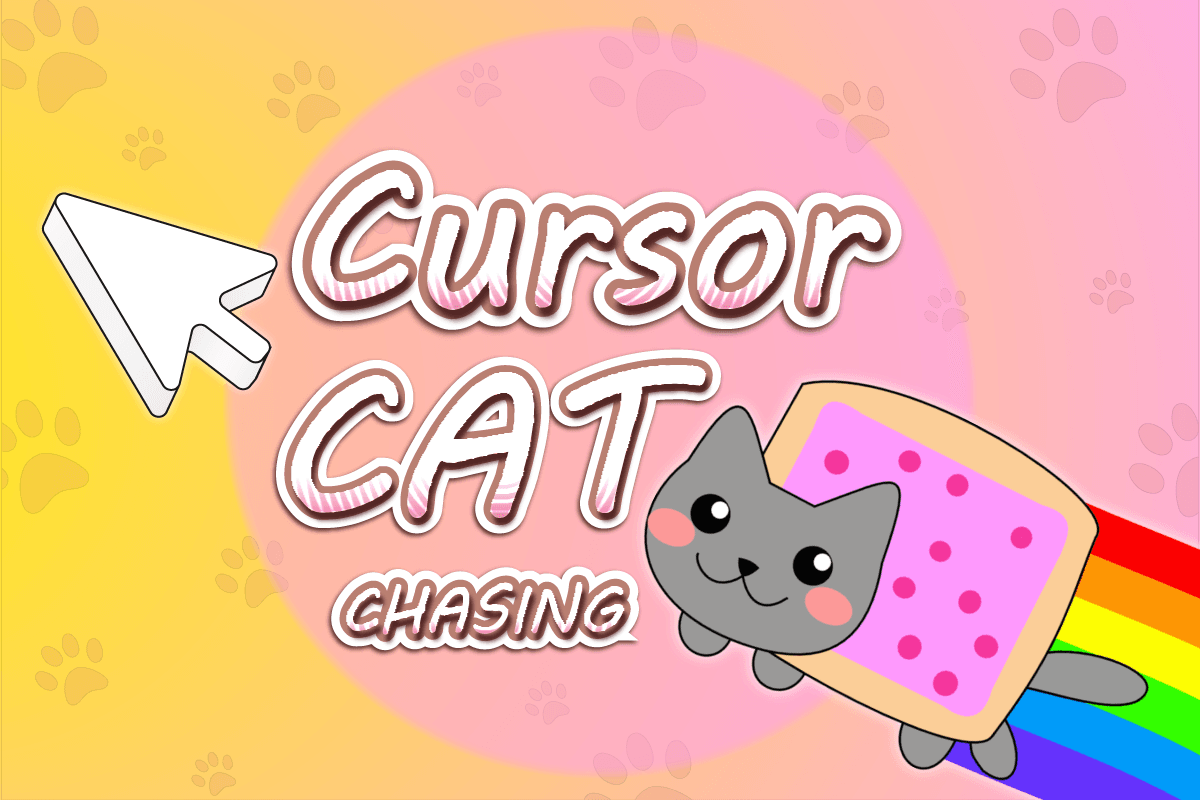
Your extension is active. Open it from your browser toolbar and start using it now.
Follow these simple steps to unlock the full potential of your new extension.
Click the extension icon in your browser toolbar to open the control panel and access all features instantly
Explore the settings menu to personalize your experience and configure the extension to match your preferences
Begin using the extension on your favorite websites and enjoy enhanced functionality and improved browsing experience
Discover the features that make this extension stand out.
Optimized for performance with minimal resource usage and instant response times
Extensive customization options to tailor the extension to your exact needs and preferences
Built with privacy in mind, ensuring your data stays safe and secure at all times
Intuitive interface designed for users of all skill levels, making it easy to get started
Recognized by thousands of satisfied users with excellent ratings and reviews
Continuously improved with new features, bug fixes, and performance enhancements
Maximize your experience with these tips.
Take time to explore all available settings and customization options. Many users discover powerful features they did not know existed.
Learn the keyboard shortcuts to access features quickly. Check the settings menu for a complete list of available shortcuts.
Keep your extension updated to enjoy the latest features, improvements, and security enhancements. Updates are automatic.
Discover all features and pages related to Cursor Cat
Discover more extensions and tools that can enhance your browsing experience.
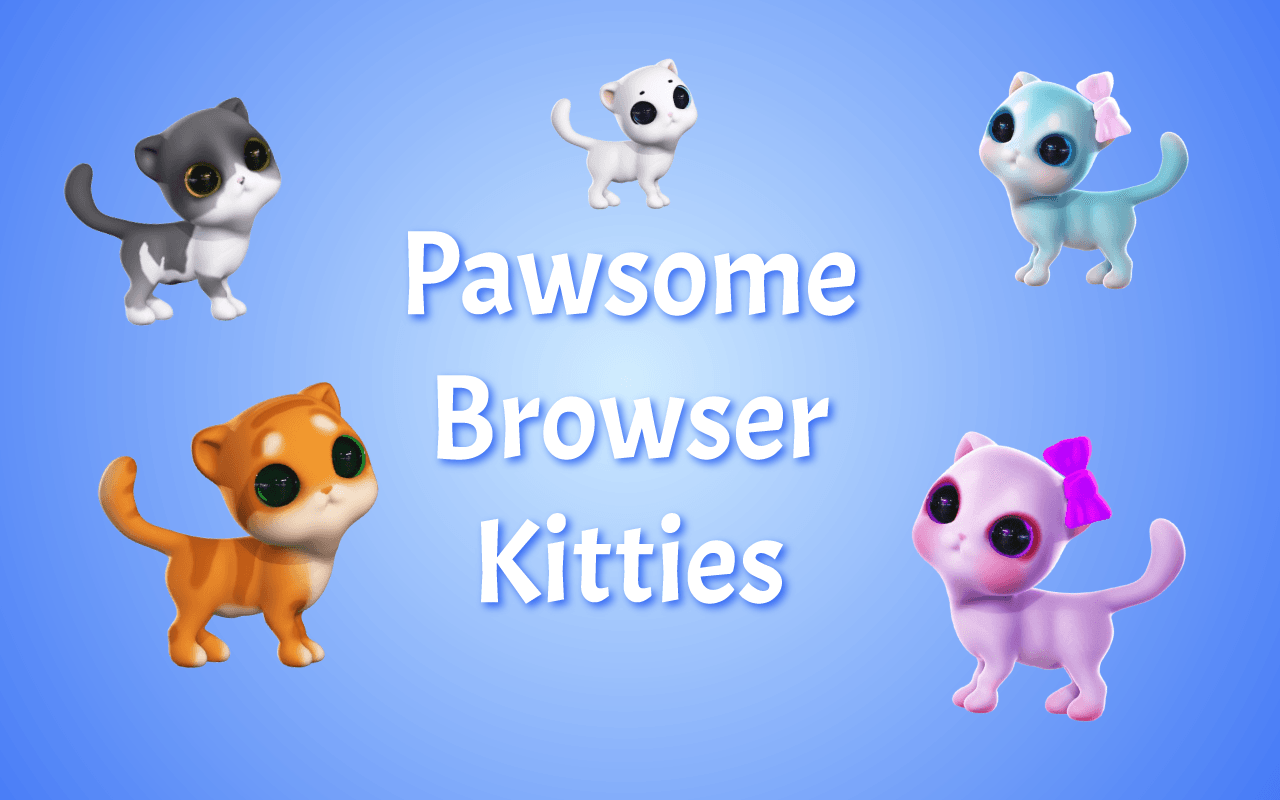
Chrome and Edge extension with cats that follow your mouse. Choose white, black, pink, Siamese, tiger, Tomas, and more.
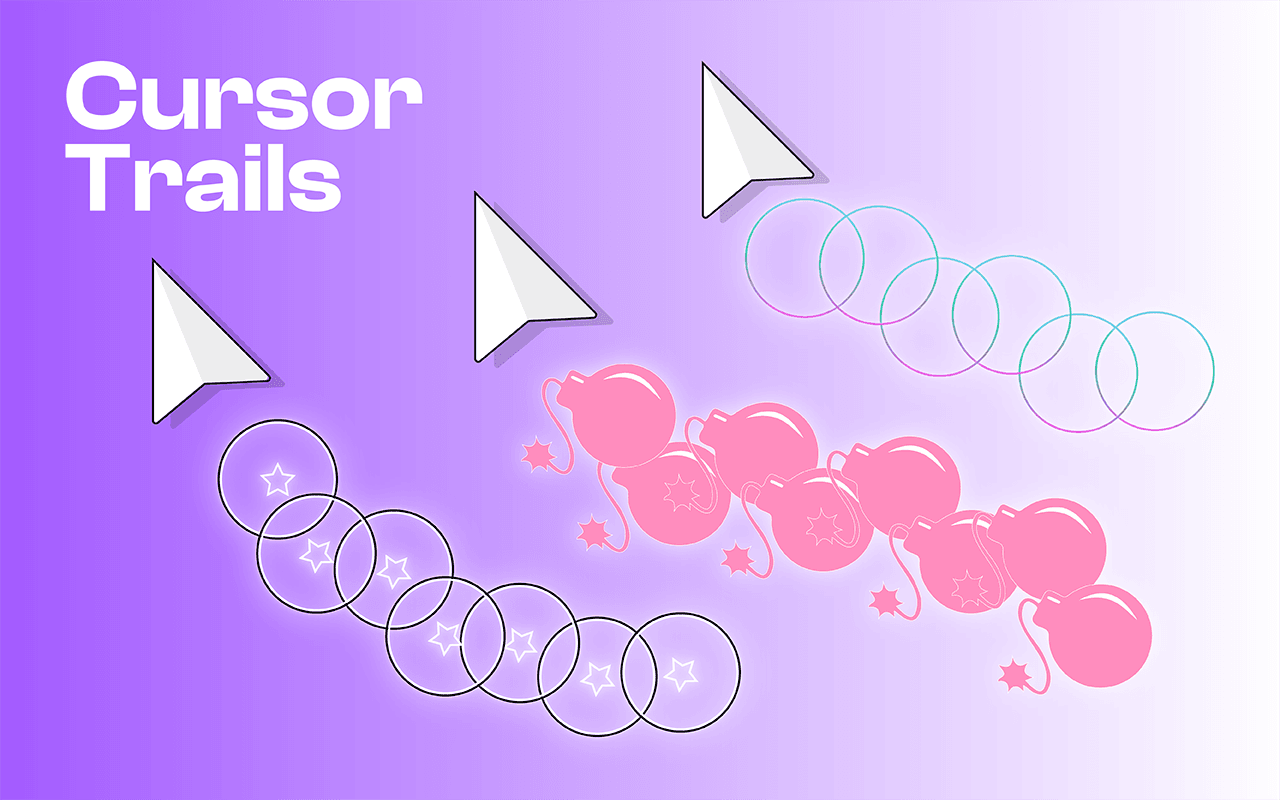
Custom Cursor Trail - a cursor effect that leaves a trail following the cursor on the screen. Decorate your cursor with a beautiful interactive effect
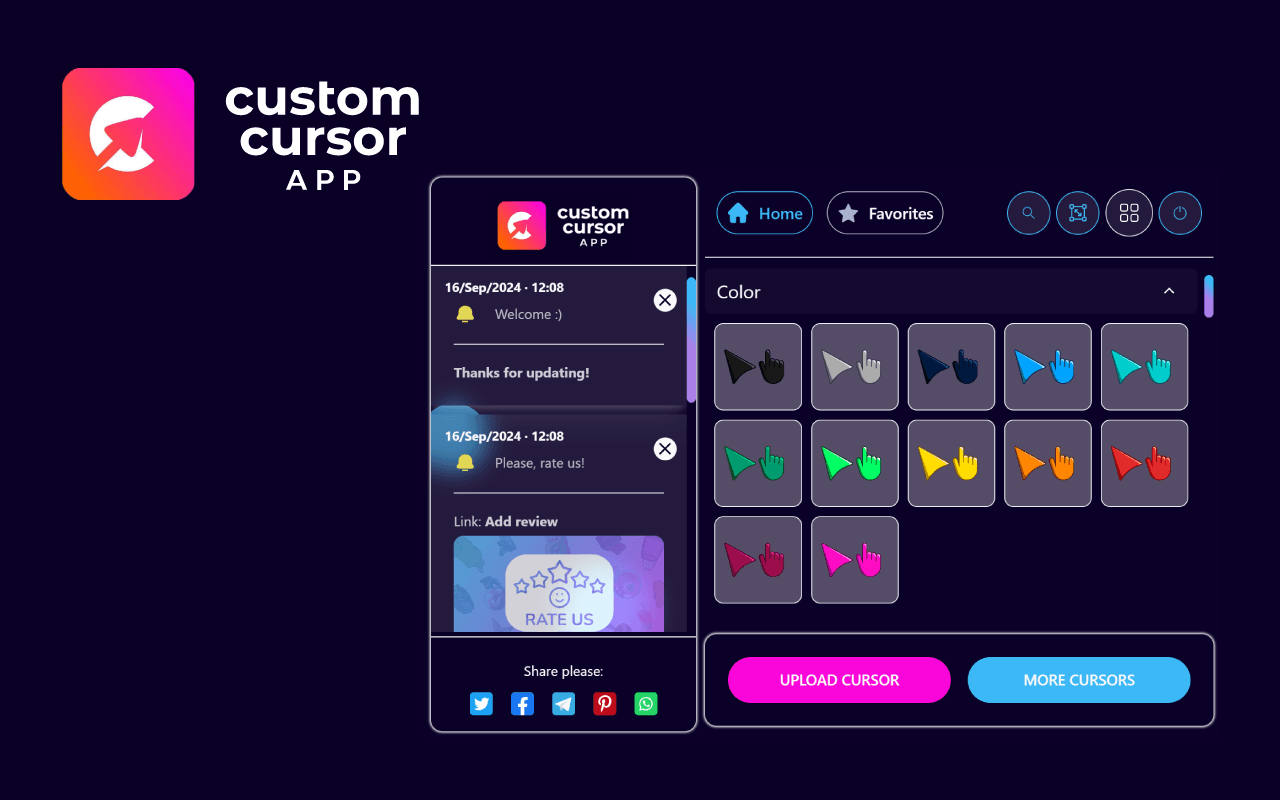
Custom Cursor App: Free, fun, and unique mouse cursors to personalize your browser!
Think you can outsmart a cat? Test your logic in Catch the Cat – a clever browser puzzle where you trap a mischievous feline on the board!
Catch the Cat Game - an exciting game where your task is to catch a clever cat. Restrict its movements and trap it in special traps.