
Custom YouTube Styler
AppearanceEnhance your YouTube viewing on Chrome with unique, custom themes!
Chrome extension that puts a dark theme on websites such as YouTube, Facebook, and WhatsApp Web. Toggle it from the toolbar and choose from more than 50 themes.
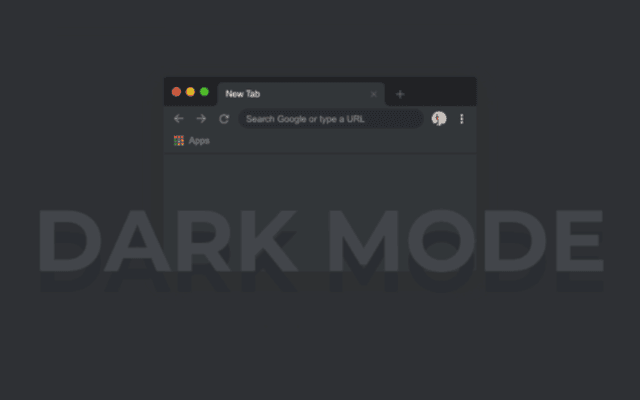
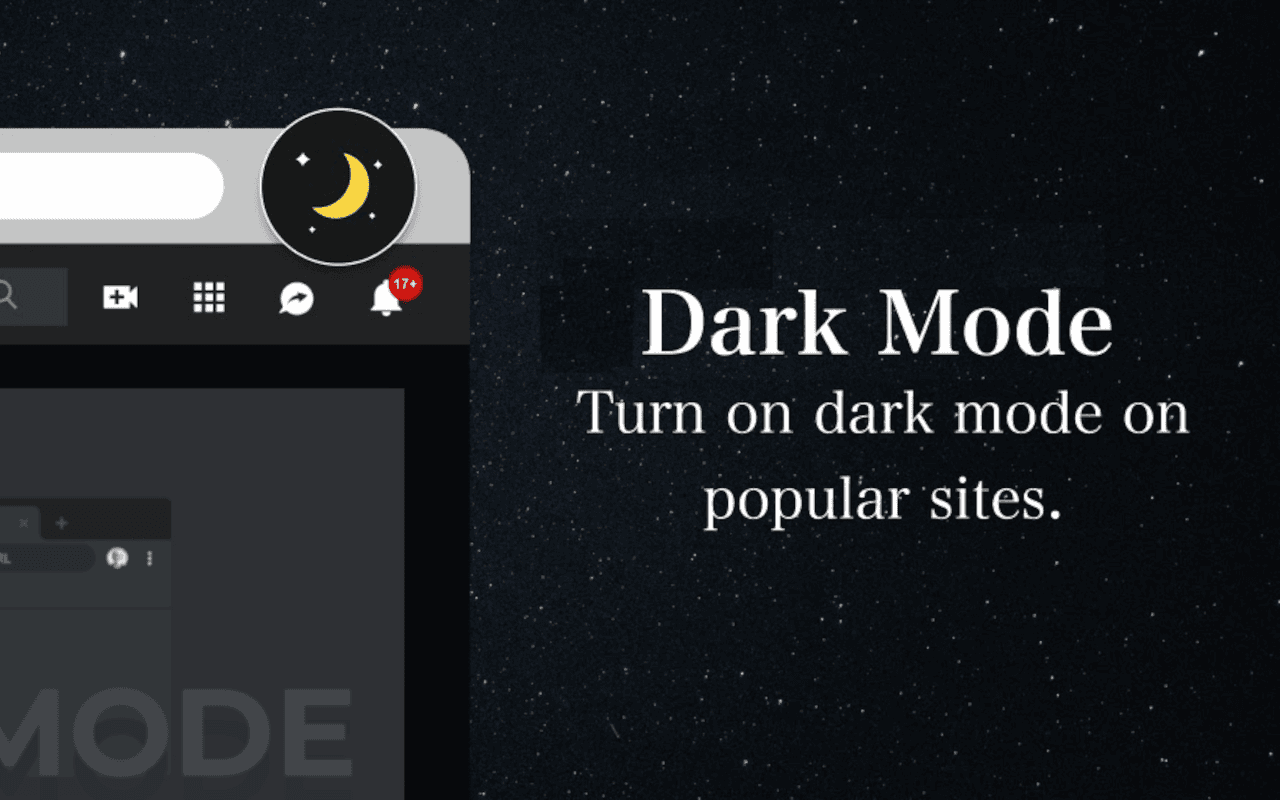
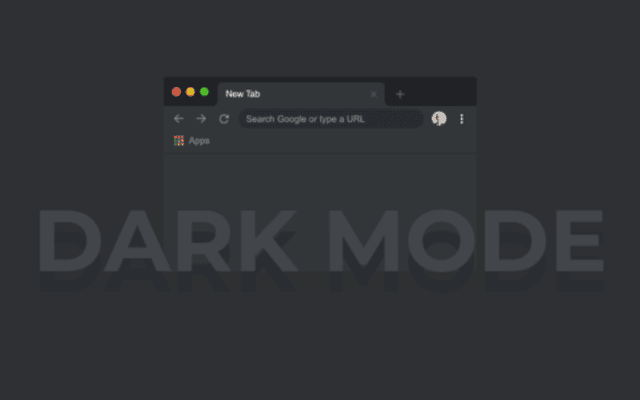
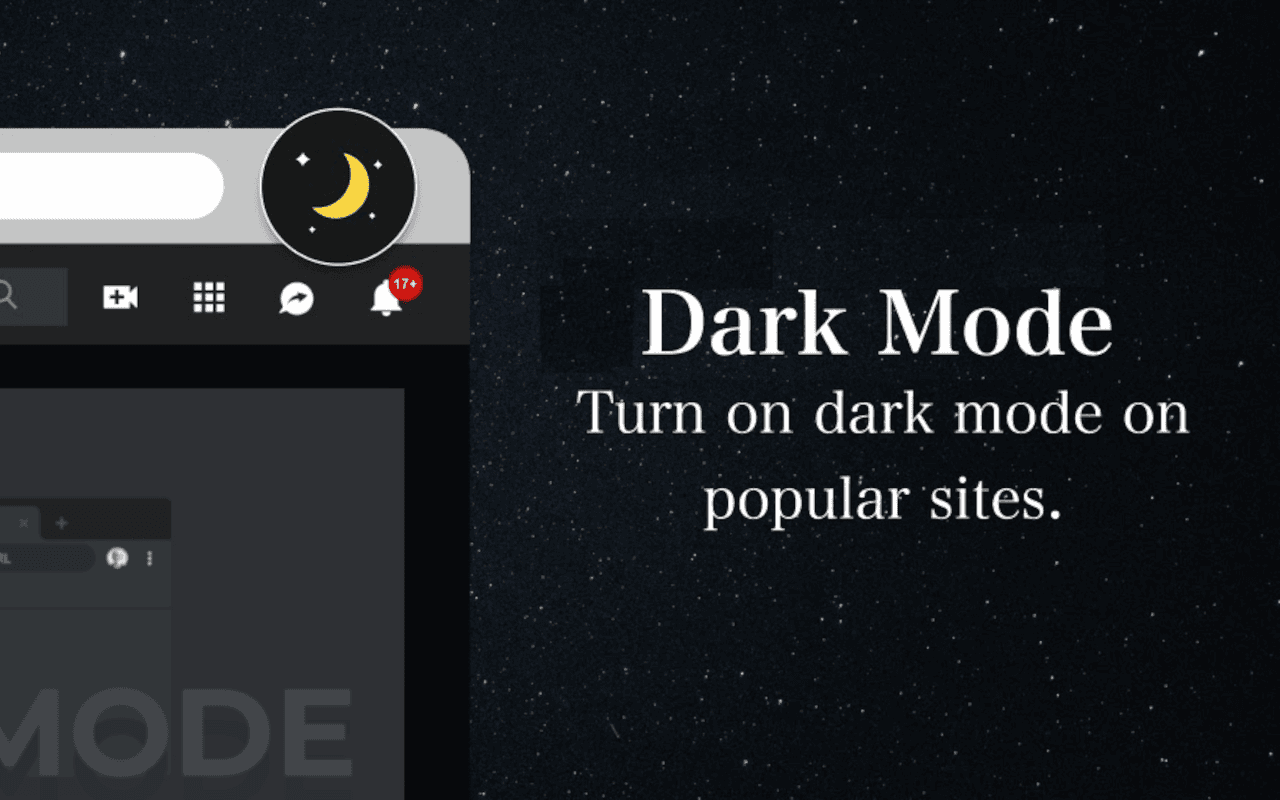
Custom Dark Mode 3.0 is a Chrome extension for people who keep bright tabs open late or for a long stretch of reading. It paints the current website in a dark theme so the page is easier on the eyes than a white background.
In the Chrome Web Store the listing is named The Black Cat Dark Themes. That is the same extension: a toolbar toggle, a set of themes, and support for everyday sites, not a game.
After you add it to Chrome, an icon appears in the toolbar. Click it to turn dark mode on for the tab you are looking at. Click again to turn it off. If the first theme feels too flat or too strong, open the extension and pick another palette. There are more than 50. The change applies to that page; you do not have to find a dark setting on each site.
The product copy and store listing call out YouTube, Facebook, and WhatsApp Web. Those are the feeds and chat windows people usually leave open. The same toggle can be used on other sites you open in Chrome; results vary with how a page is built.
Install Custom Dark Mode 3.0 (The Black Cat Dark Themes) from the Chrome Web Store. After Chrome adds it, pin the icon next to the address bar so you can switch the theme without opening the extensions menu.
Enhance your YouTube viewing on Chrome with unique, custom themes!
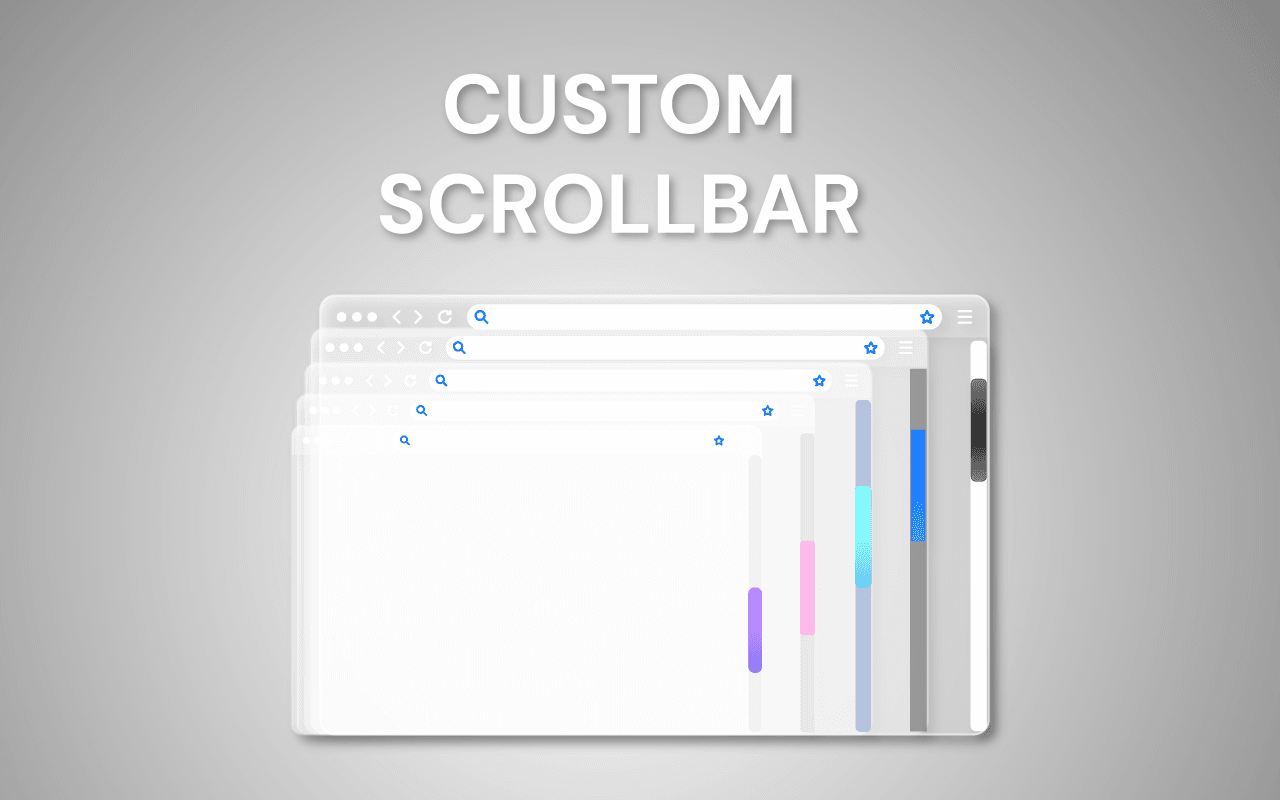
Discover a new level of personalization with Custom Scrollbar for Google Chrome!
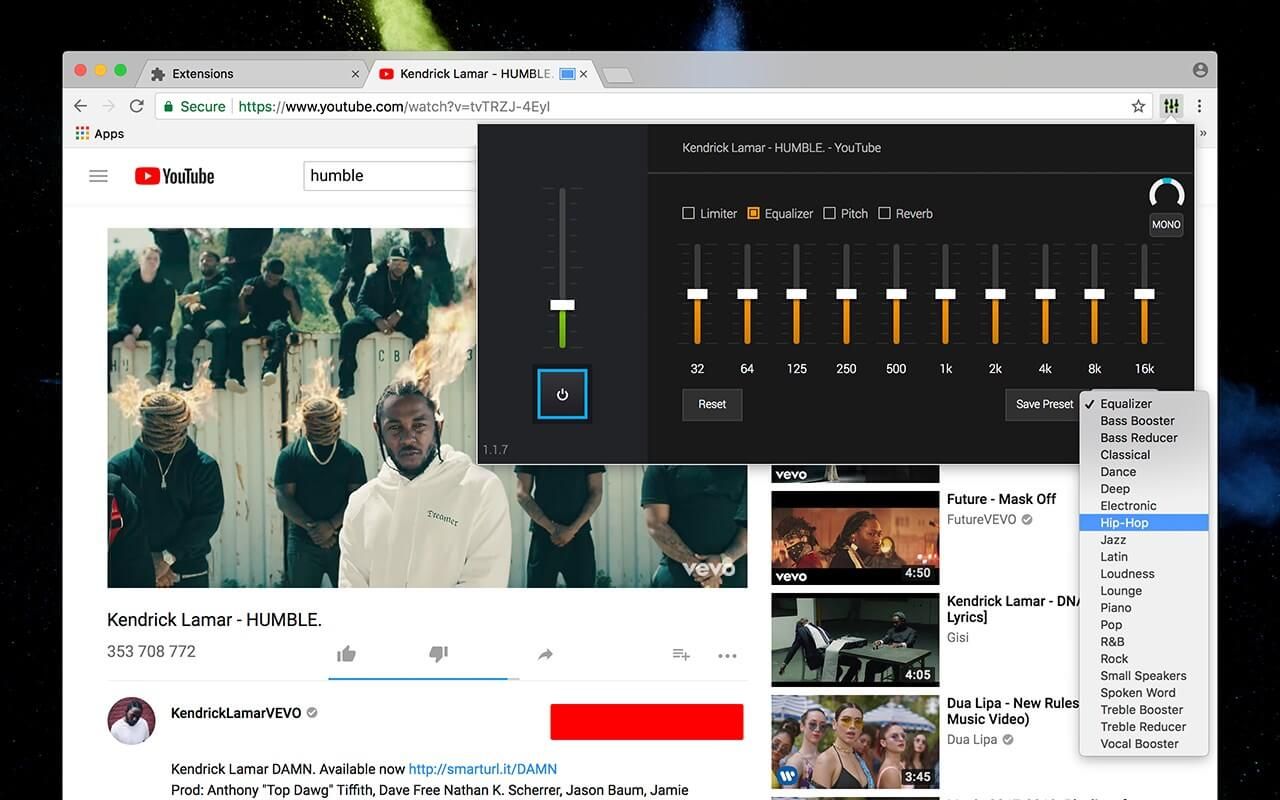
Adjust sound, create presets, and enjoy the best audio for YouTube, music, and more with this Chrome equalizer.
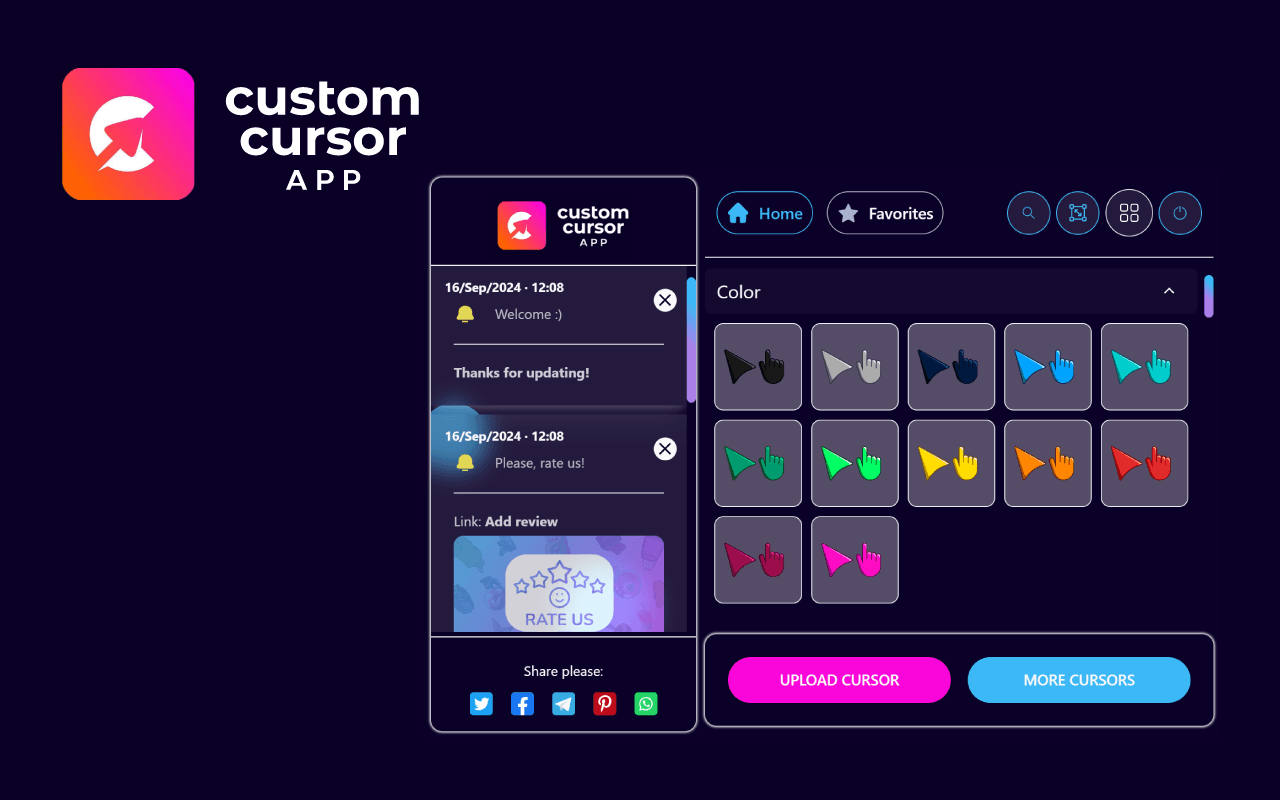
Custom Cursor App: Free, fun, and unique mouse cursors to personalize your browser!